A /
Movies and shows, together.
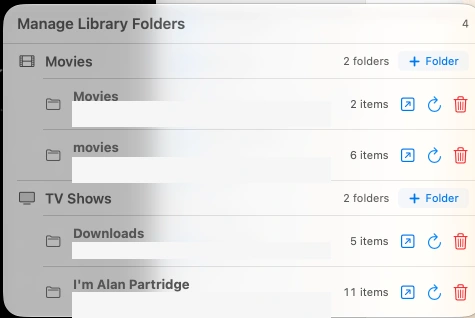
Keep movies and TV shows in their own library. Add a folder, let mystreemr find what is inside, then browse by poster, title or search.
Movies · Television · Folders
 mystreemr
01 A media library for Apple silicon
Browse and play the video files on your Mac or Dropbox, with artwork, metadata and playback that remembers your place. No home server to set up.
02 From folders to a browsable library
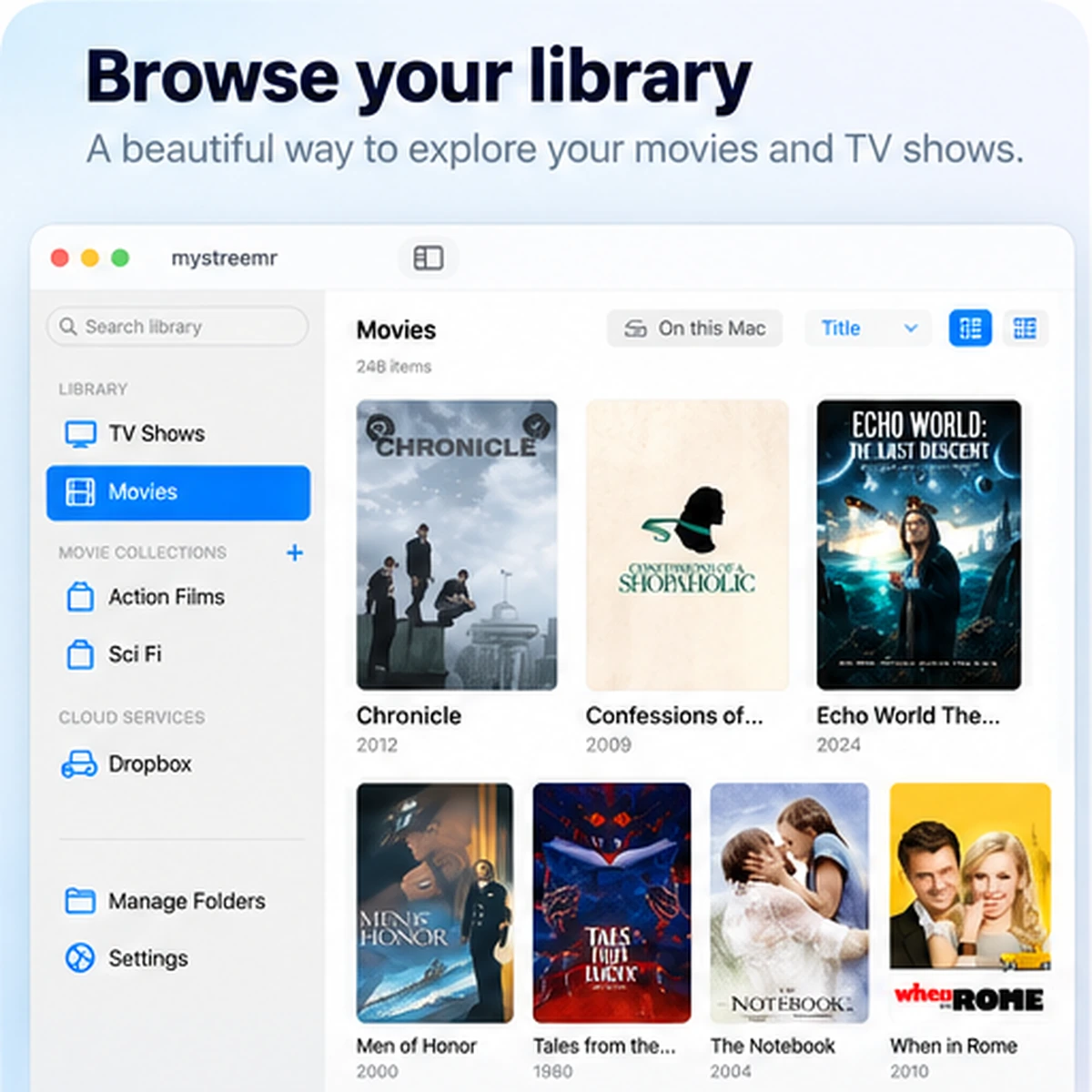
Add the folders you already use. mystreemr scans them, matches available metadata and gives movies and episodes a place you can browse.
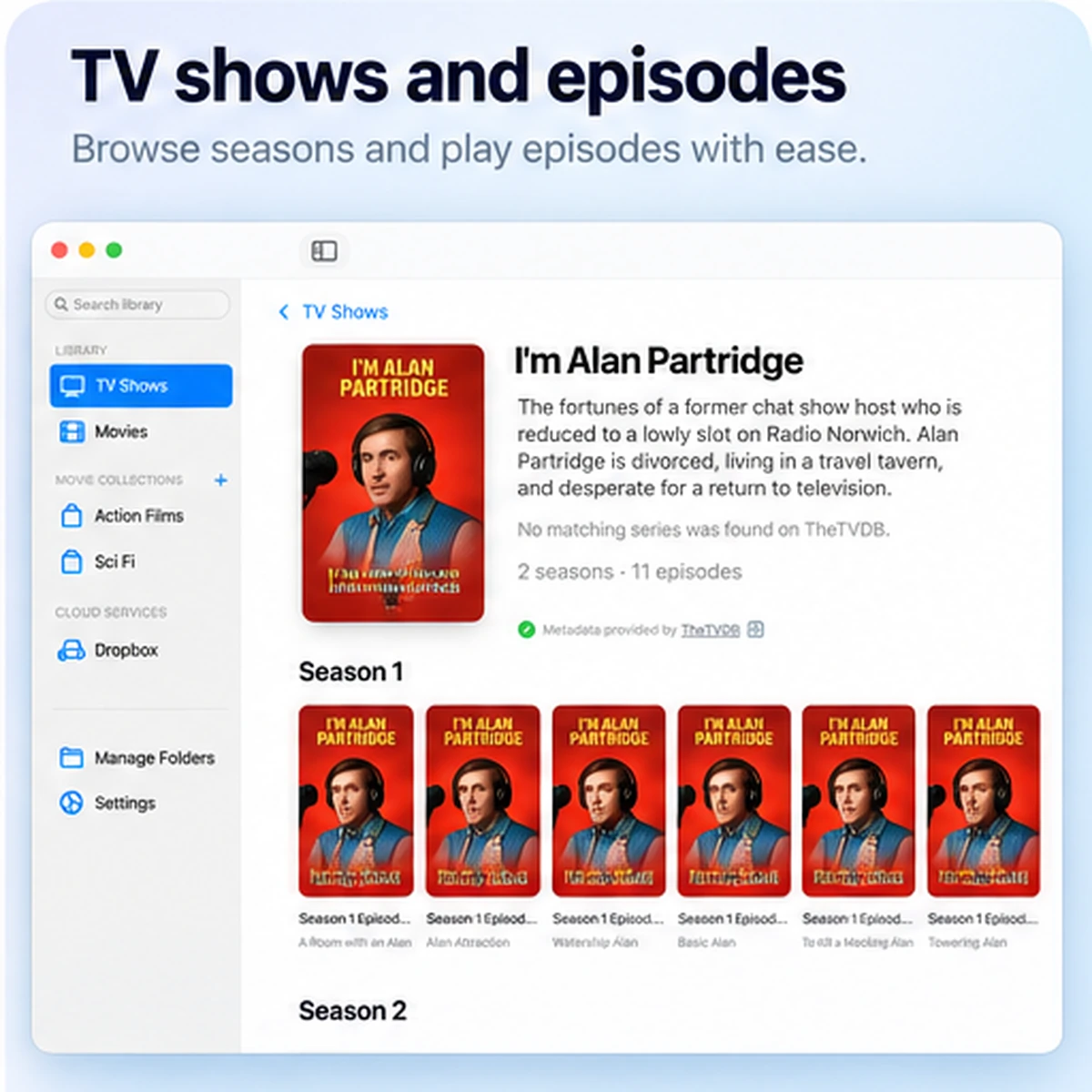
Keep movies and TV shows in their own library. Add a folder, let mystreemr find what is inside, then browse by poster, title or search.
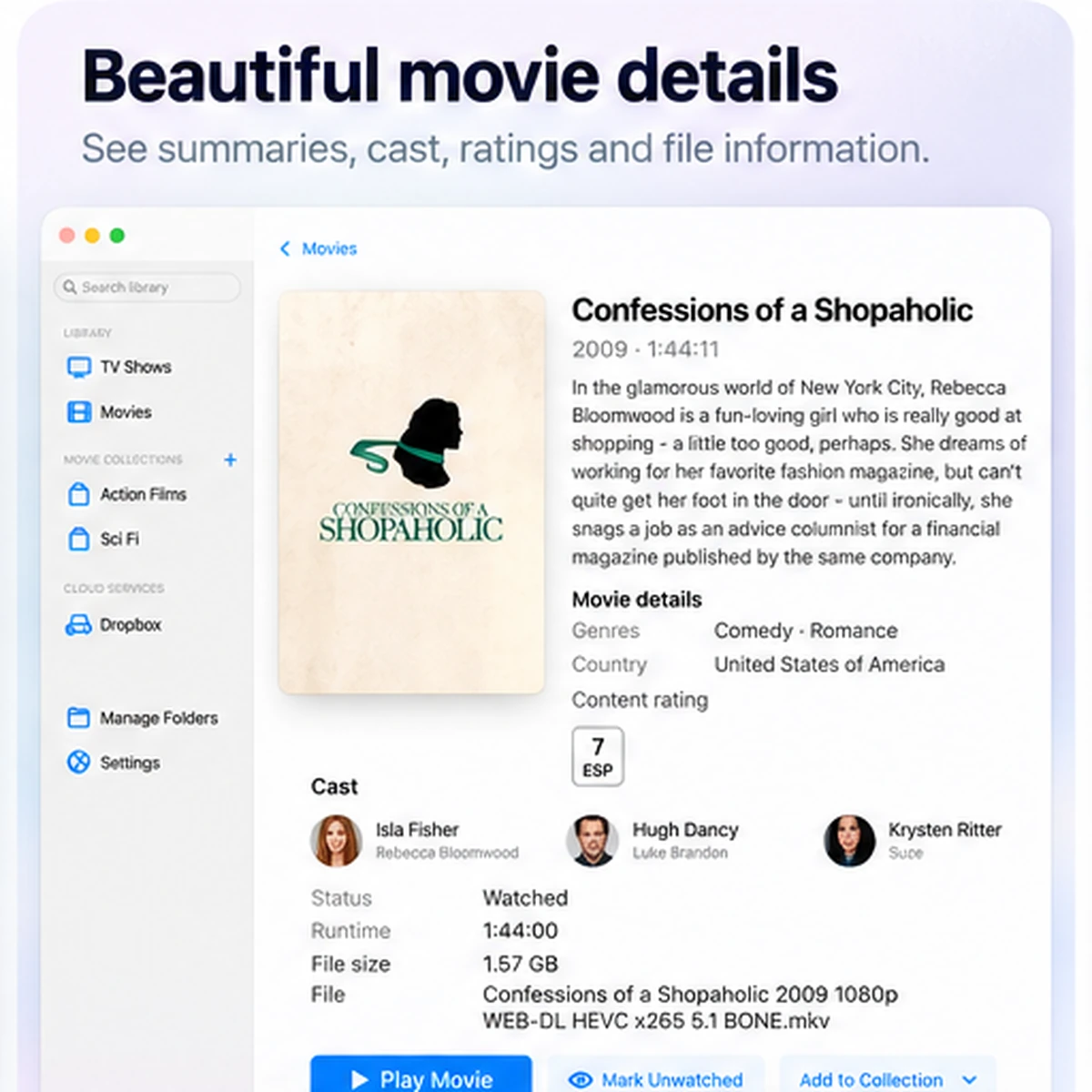
See posters, summaries, genres, cast, years and content ratings alongside the files they describe.
Browse and stream videos from Dropbox, or save a copy to this Mac for offline playback.
03 Playback that picks up where you left off
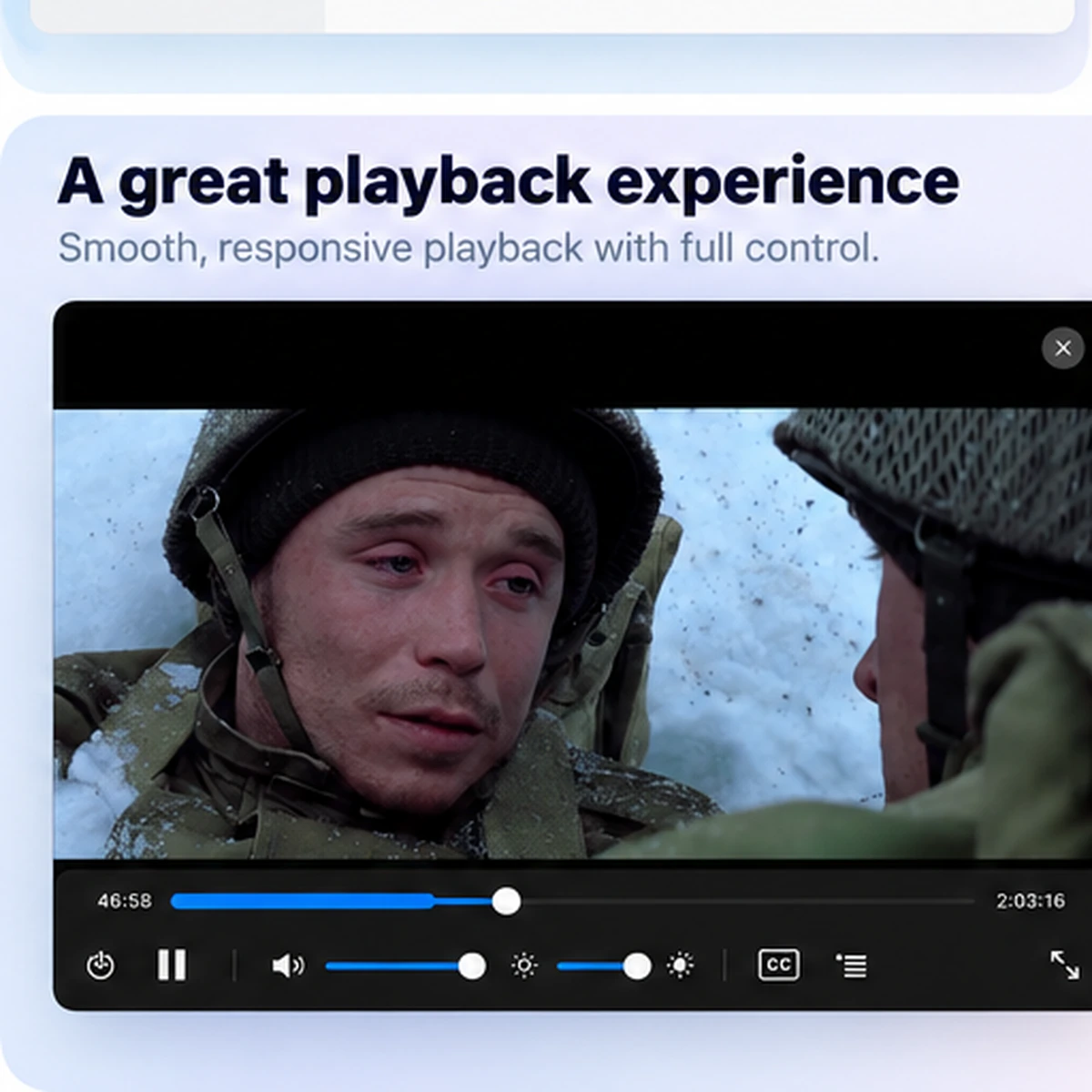
Resume from your saved position, build a playback queue, choose audio and subtitles, and set your own skip interval.
04 Thoughtful controls, built in
Local folders, optional Dropbox access and a native macOS interface. No separate media server to install or maintain.
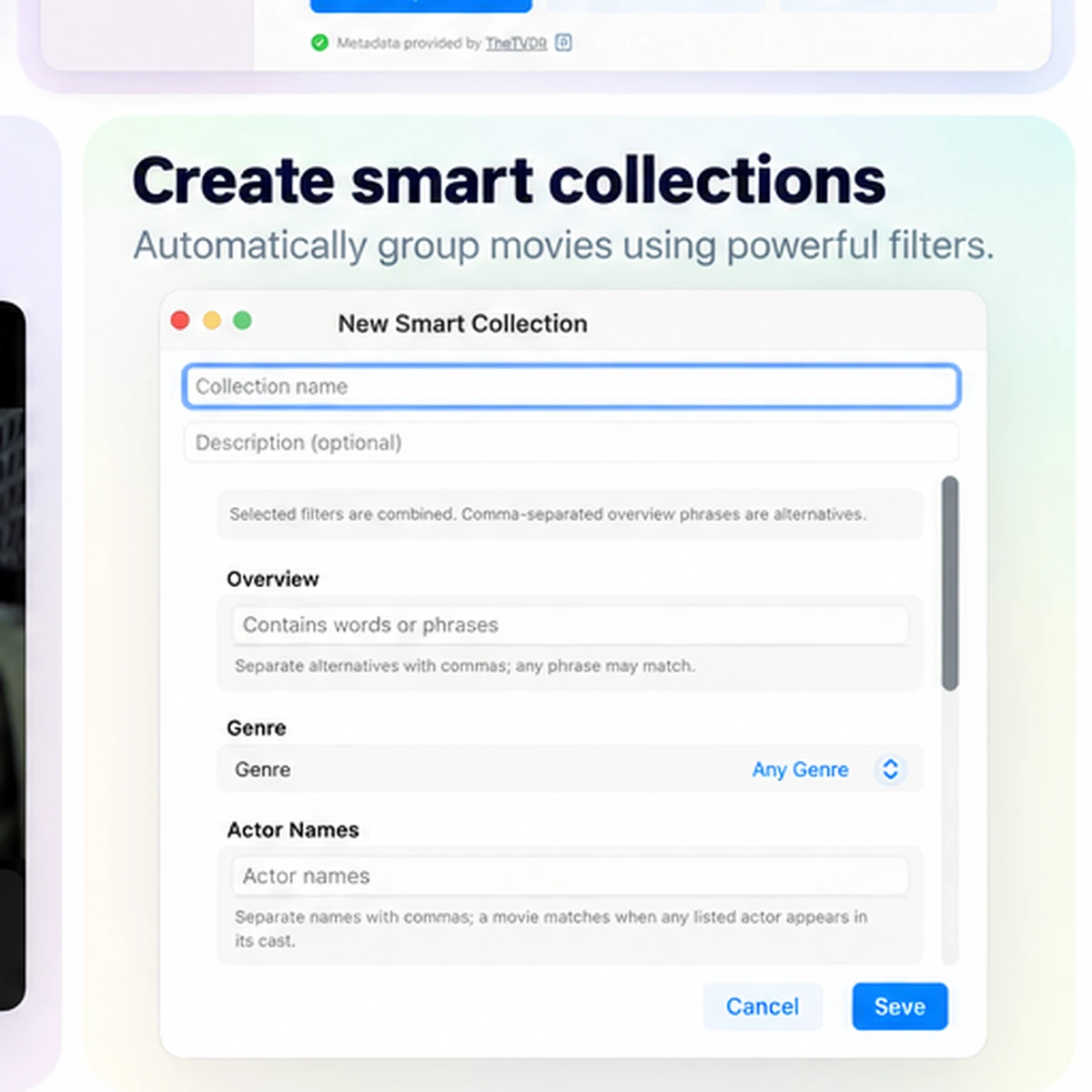
Group films yourself or let rules match by year, runtime, genre, cast, rating and availability.
Playback position and watched state stay with the local library on this Mac.
Choose embedded tracks, sidecar subtitle files or search OpenSubtitles when your account is connected.
Add movies or episodes, reorder the list and play the next item when you’re ready.
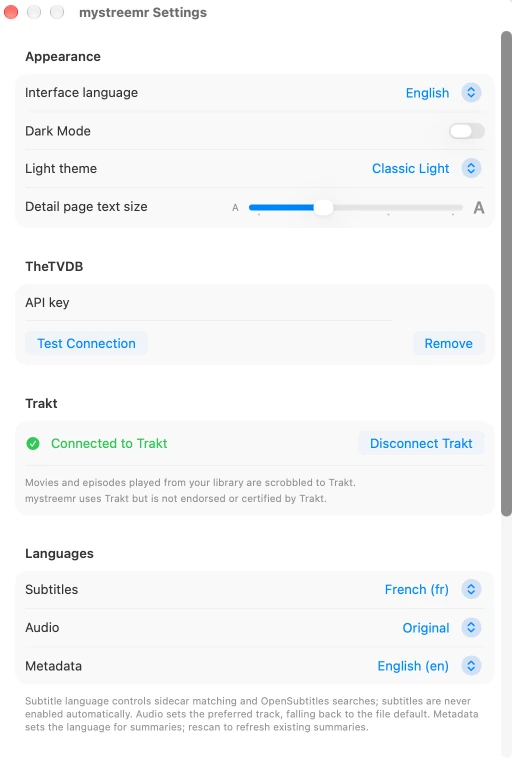
Choose audio and subtitle languages, adjust brightness, pick your skip interval and settle in.
Filter to files on this Mac. Missing items stay in the library while a removable drive is away.
mystreemr uses FFmpeg to play a range of common video and audio formats. Supported codecs depend on its FFmpeg build.
Connect Trakt to report movie and episode playback to your account.
Build a collection from rules
Combine filters for genre, cast, year, runtime, rating and local availability. Matching films appear automatically.
Coming soon mystreemr for Mac
Built for Apple silicon Macs. Download details will be posted here when the app is ready to release.
For Apple silicon MacmacOS · Movies & TV shows